Singularity Cinema#
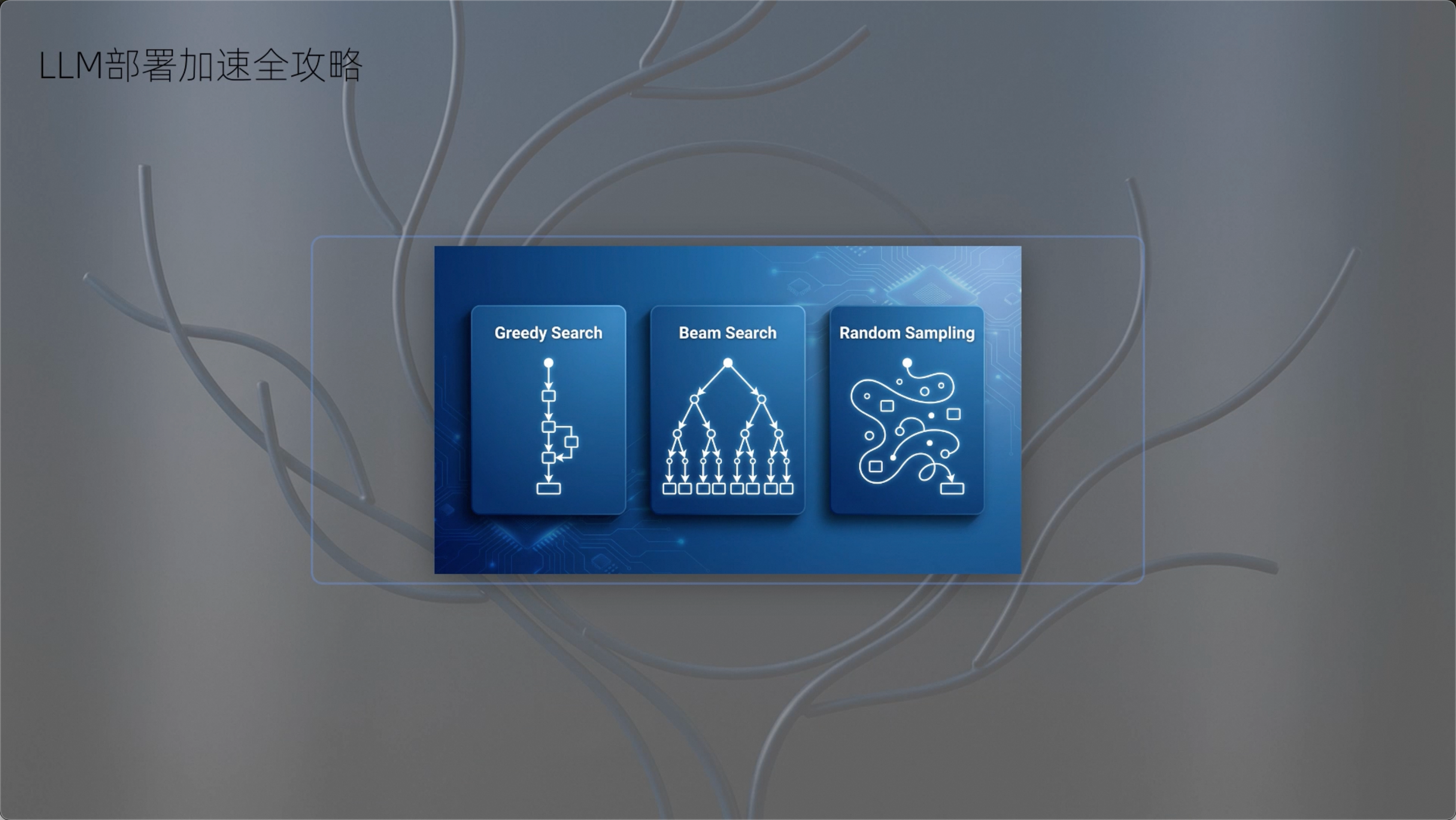
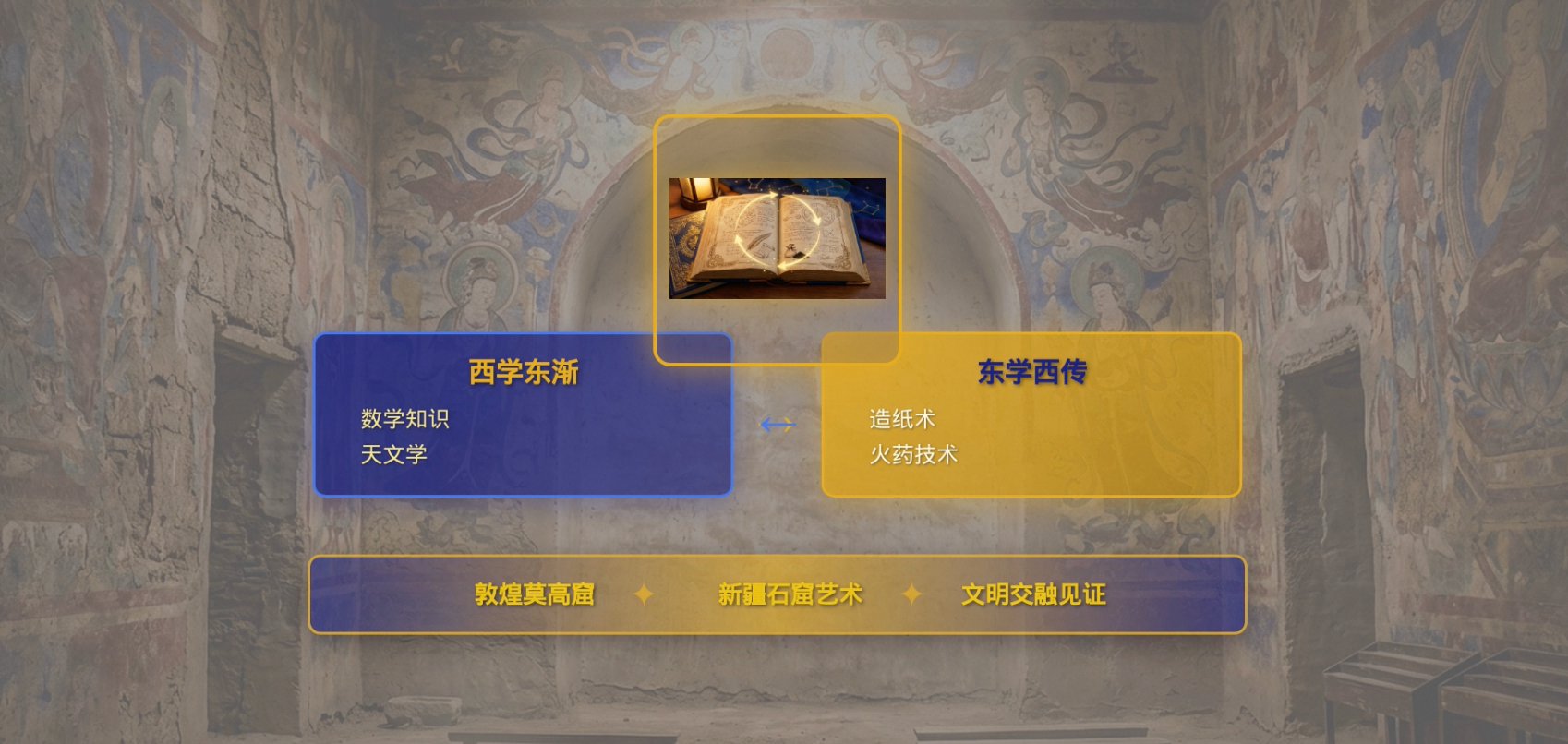
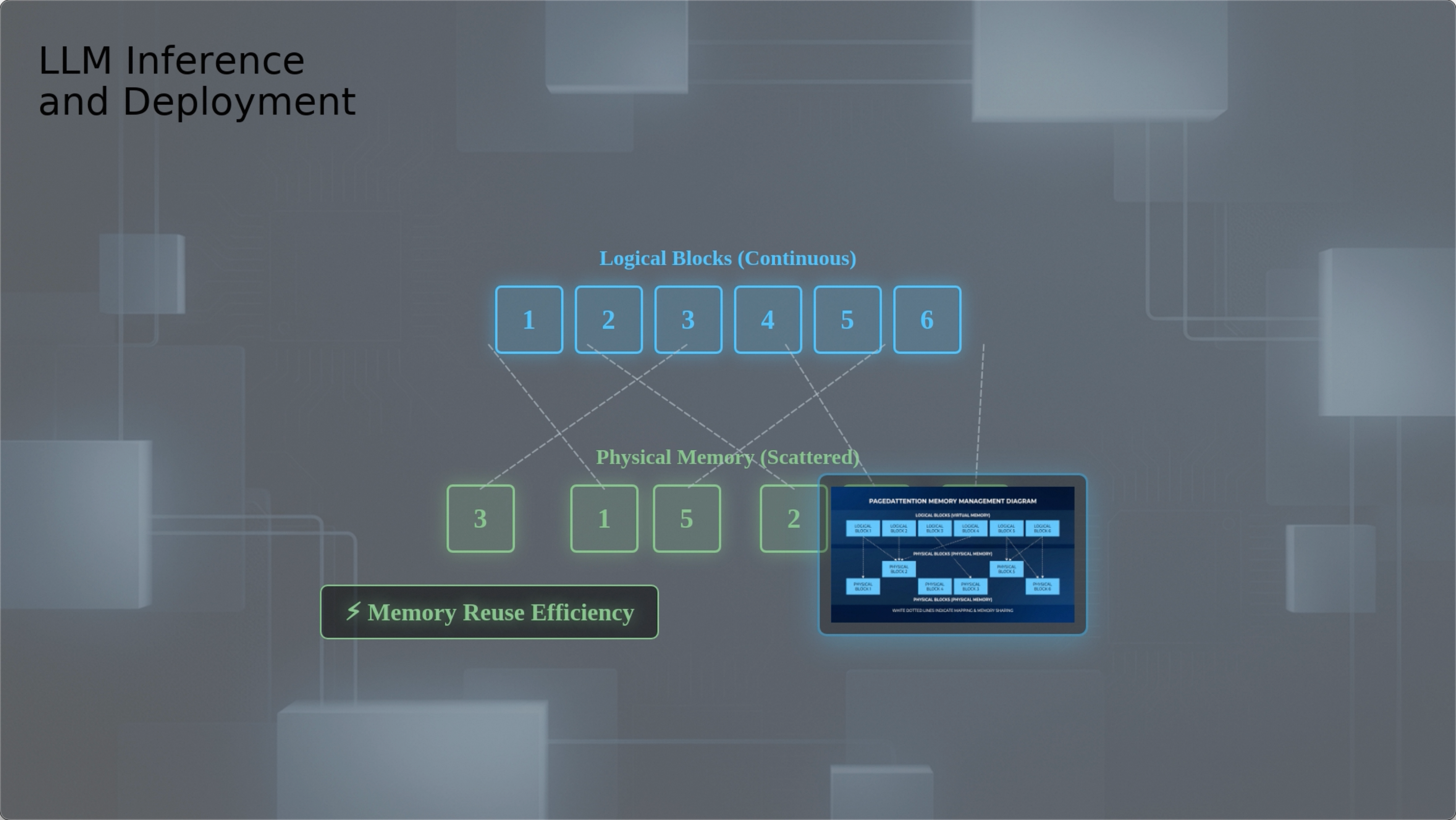
A lightweight short-video generator: it uses large language models to generate a script and storyboard, then automatically produces voice-over / (optional) subtitles / images / (optional) text-to-video, and finally composes them into a short video.
Showcase#
Installation#
This project requires both Python and Node.js.
Environment setup
Get the code
git clone https://github.com/modelscope/ms-agent.git
cd ms-agent
Install dependencies
pip install .
cd projects/singularity_cinema
pip install -r requirements.txt
Compatibility and Limitations#
SingularityCinema generates scripts and storyboards using LLMs and produces short videos.
Compatibility#
Short video types: science popularization, economics (especially those involving charts/tables, formulas, and principle explanations)
Languages: unlimited (subtitle and voice-over language follow your query and materials)
External materials: supports reading plain text (does not support direct multimodal material input)
Secondary development: the workflow can be found in
projects/singularity_cinema/workflow.yaml; the core implementation is underprojects/singularity_cinema, in each step’sagent.py, which can be extended and used commercially.Please note and comply with the commercial licenses of background music, fonts, etc. that you use.
Limitations#
The quality varies significantly across different LLM/AIGC models. It is recommended to use verified combinations and test on your own. The current default configuration can be found in
projects/singularity_cinema/agent.yaml.
Run#
1) Prepare API Keys#
Prepare an LLM key
Using Gemini as an example, you need to apply for or purchase access to Gemini models. Runtime parameters:
  --llm.openai_base_url https://generativelanguage.googleapis.com/v1beta/openai/ \
  --llm.model gemini-3-pro \
  --llm.openai_api_key {your_api_key_of_openai_base_url} \
Prepare a text-to-image model key
Using ModelScope’s Qwen/Qwen-Image-2512 as an example. ModelScope provides a small free quota per account daily. If you hit rate limits during high-frequency usage, simply rerun the same command to retry; it will resume from the failure point.
  --image_generator.api_key {your_modelscope_api_key} \
  --image_generator.type modelscope \
  --image_generator.model Qwen/Qwen-Image-2512 \
Prepare a multimodal LLM for quality inspection
Using Gemini as an example, you need to apply for or purchase access to Gemini models. Runtime parameters:
  --mllm_openai_base_url https://generativelanguage.googleapis.com/v1beta/openai/ \
  --mllm_openai_api_key {your_api_key_of_mllm_openai_base_url} \
  --mllm_model gemini-3-pro \
2) Prepare materials (optional)#
You can generate a video with just one sentence, for example:
Generate a short video describing GDP-related economics knowledge, about 3 minutes long.
You can also reference a local text file, for example:
Generate a short video describing large-model technologies. Read /home/user/llm.txt for details.
3) Configuration Notes#
The current default configuration is in projects/singularity_cinema/agent.yaml. At runtime, command-line arguments override the corresponding default parameters in the YAML. Specifically:
If a field name is unique in the config, you can override it directly with the same-name argument, e.g.:
--openai_api_key ...
If a field name is not unique / conflicts (e.g., multiple modules have
api_key), you can specify it using a multi-level path, e.g.:--image_generator.api_key ...--video_generator.api_key ...
Rule of thumb:
“Unique field” uses
--field“Nested / potentially conflicting field” uses
--a.b.c
Relevant structure in the default YAML (excerpt):
llm:
  model: claude-sonnet-4-5-20250929 # LLM model name (e.g., gemini-3-pro)
  openai_api_key: ""                # Required: API Key (provider key matching openai_base_url)
  openai_base_url: "https://dashscope.aliyuncs.com/compatible-mode/v1" # OpenAI-compatible Base URL (varies by provider)

mllm:
  mllm_model: gemini-3-pro-preview  # Multimodal model name (e.g., gemini-3-pro)
  mllm_openai_api_key: ""           # Required: multimodal model API Key
  mllm_openai_base_url: "https://dashscope.aliyuncs.com/compatible-mode/v1" # OpenAI-compatible Base URL for MLLM

image_generator:
  api_key: ""                       # Required: provider API Key
  type: dashscope                   # provider/platform type: modelscope | dashscope | google
  model: gemini-3-pro-image-preview # model ID/name supported by the selected type

video_generator:
  api_key: ""                       # provider API Key
  type: dashscope                   # modelscope | dashscope | google
  model: sora-2-2025-10-06          # video model ID/name supported by the selected type
4) Example Commands#
Based on the default YAML, override key configurations for LLM / MLLM / text-to-image / text-to-video via the command line.
Below are the two examples used to generate the video previews on this page:
Before running, replace
{path_to_ms-agent}in the query with your local reference file path.Replace the
api_keyvalues with real API keys.
# For the English version, replace the query content with:
# "Convert /home/user/workspace/ms-agent/projects/singularity_cinema/test_files/J.部署.md
# into a short video in a blue-themed style, making sure to use the important images from the document.
# The short video must be in English."
ms-agent run --project singularity_cinema \
  --query "把/{path_to_ms-agent}/projects/singularity_cinema/test_files/J.部署.md转为短视频,蓝色风格,注意使用其中重要的图片" \
  --trust_remote_code true \
  --openai_base_url https://api.anthropic.com/v1/ \
  --llm.model claude-sonnet-4-5 \
  --openai_api_key {your_api_key_of_anthropic} \
  --mllm_openai_base_url https://generativelanguage.googleapis.com/v1beta/openai/ \
  --mllm_openai_api_key {your_api_key_of_gemini} \
  --mllm_model gemini-3-pro-preview \
  --image_generator.api_key {your_api_key_of_gemini} \
  --image_generator.type google \
  --image_generator.model gemini-3-pro-image-preview
ms-agent run --project singularity_cinema \
  --query "Please create a short video introducing the Silk Road, with a consistent visual style." \
  --trust_remote_code true \
  --openai_base_url https://api.anthropic.com/v1/ \
  --llm.model claude-sonnet-4-5 \
  --openai_api_key {your_api_key_of_anthropic} \
  --mllm_openai_base_url https://generativelanguage.googleapis.com/v1beta/openai/ \
  --mllm_openai_api_key {your_api_key_of_gemini} \
  --mllm_model gemini-3-pro-preview \
  --image_generator.api_key {your_api_key_of_gemini} \
  --image_generator.type google \
  --image_generator.model gemini-3-pro-image-preview
5) Output and Failure Retry#
Estimated time: The full pipeline takes about 20 minutes (depends on machine performance and model/API speed).
Output location: By default, the video and all intermediate artifacts are generated in
output_video/under the directory where you run the command (can be changed via--output_dir).Final video file:
output_video/final_video.mp4
Failure retry / resume from checkpoint: If the run fails (e.g., timeout, interruption, missing files), you can rerun the exact same command. The system will read existing intermediate results in
output_video/and continue from where it stopped.Regenerate everything: Delete or rename the
output_video/directory, then run again.Redo only a specific scene/step: Delete the files you want to regenerate, and any downstream files that depend on them (for example, if you delete a scene’s render output, rerunning will only re-render that scene).
Common practice: delete the target scene’s related files + the final
final_video.mp4to trigger regeneration of only the necessary parts.
Execution Pipeline and Effect Tuning#
If you are not satisfied with the result of a certain step, you can trigger regeneration by deleting the output files of that step (and all subsequent files that depend on them).
The complete workflow and code entry points are defined in: projects/singularity_cinema/workflow.yaml. Below is each step in order, including inputs, outputs, and scope (all under output_video/ by default).
Generate the base script
Input: user requirements (may include user-provided files)
Output:
script.txt: main script contenttopic.txt: original request/topictitle.txt: short-video title
Code:
generate_script/agent.py
Split the script and design storyboards
Input:
topic.txt,script.txtOutput:
segments.txt(shot list: each shot includes narration, background image requirements, foreground animation requirements, etc.)Code:
segment/agent.py
Generate voice-over audio for each segment
Input:
segments.txtOutput:
audio/segment_N.mp3: voice-over for segment N (N starts from 1)audio_info.txt: audio duration and other info (used later for animation alignment)
Code:
generate_audio/agent.pyScope: by default, every segment has voice-over
Exception: when
use_text2video=trueanduse_video_soundtrack=true, and the segment is marked as text-to-video in the storyboard design, the system will use the video’s original soundtrack instead of generating separate voice-over.
Generate prompts for text-to-image
Input:
segments.txtOutput:
illustration_prompts/segment_N.txt: background image prompt for segment NIf foreground images are needed:
illustration_prompts/segment_N_foreground_K.txt(prompt for the K-th foreground image of segment N)
Code:
generate_illustration_prompts/agent.pyScope: describes the image content required for each segment
Generate images from prompts (text-to-image)
Input: prompt files such as
illustration_prompts/segment_N.txtOutput:
images/illustration_N.png(and possibly foreground images)Code:
generate_images/agent.pyScope: background/foreground visual assets for each segment
Generate Remotion animation code based on voice-over duration
Input:
segments.txt,audio_info.txtOutput:
remotion_code/SegmentN.tsx(one per segment)Code:
generate_animation/agent.pyScope: animation implementation code for each segment (duration aligned to audio)
Render Remotion and auto-fix code (if needed)
Input:
remotion_code/SegmentN.tsxOutput:
Updated
remotion_code/SegmentN.tsxRender result:
remotion_render/scene_N/SceneN.mov
Code:
render_animation/agent.py
Generate a unified background image (title and slogan)
Input:
title.txtOutput:
background.jpgCode:
create_background/agent.pyScope: top-left title/background element shared by all segments
Compose the final video
Input: all artifacts above (audio, rendered videos, background image, etc.)
Output:
final_video.mp4Note: this stage may have a long period with no logs, which is normal; it typically does not consume tokens.
Example: Redo only the animation of Segment 1#
If you’re not satisfied with the animation of segment 1, delete the following files under output_video/ and rerun the command:
remotion_code/Segment1.tsx(segment 1 animation code)remotion_render/scene_1/Scene1.mov(rendered output from that code)final_video.mp4(final composition depends on the render result, so it must be recomposed)
After rerunning, the system will only redo the steps related to these files and reuse the other intermediate artifacts that were not deleted.
Tunable Parameters (Overview)#
Most parameters are in the default agent.yaml. Recommended practice: do not modify the default YAML; override what you need via command-line arguments.
Common examples:
LLM/MLLM:
--openai_base_url,--openai_api_key,--llm.model,--mllm_model, etc.Text-to-image / Text-to-video:
--image_generator.type,--image_generator.model,--image_generator.api_key--video_generator.type,--video_generator.model,--video_generator.api_key
Parallelism:
--t2i_num_parallel,--t2v_num_parallel,--llm_num_parallelVideo params:
--video.fps,--video.bitrate, etc.Toggles:
--use_subtitle,--use_text2video,--use_doc_image, etc.